← Back to resources
The Elder Scrolls V: Skyrim Special EditionModding tools

Vortex mod manager

Nexus Mods’ manager for supported games and mod deployment configurations.
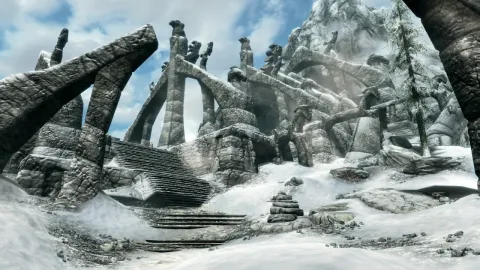
The Elder Scrolls V: Skyrim Special Edition
Bethesda Game Studios / Bethesda Softworks · The Elder Scrolls V: Skyrim Special Edition

Installation

  1. Close the game and back up saves and your current mod configuration.
  2. Download the installer for your OS from the developer’s download page.
  3. Select a supported game path and create a separate mod profile.
  4. Check each mod’s source, dependencies and order, then enable and test one at a time.

Removal · recovery

  1. Disable the affected mod or switch to an earlier profile in the manager.
  2. Back up downloads, profiles and settings before removing the manager; verify the base game.

COMMUNITY NOTICE

Unable to publish

Your content contains a prohibited word.

Please edit your content and try again.

Sign in

Sign in

Continue with Google
or email

Customer support

Tell us about an issue or ask a question. You can submit without signing in.

Your name, email, message and signed-in account details are stored to handle your enquiry, accessible only to administrators. Enquiries become eligible for automatic deletion 180 days after submission. Do not include passwords, card numbers or identity documents. Privacy notice

Optional analytics cookies help us understand site usage. Rejecting them does not affect login or browsing. Advertising choices are managed separately by Google.

Privacy policy