MinecraftLanguage packs

Sodium settings multilingual translations
Translates Sodium settings, including Korean, Japanese, Chinese, German, Spanish, Arabic and Vietnamese. It does not translate the whole game.

Installation
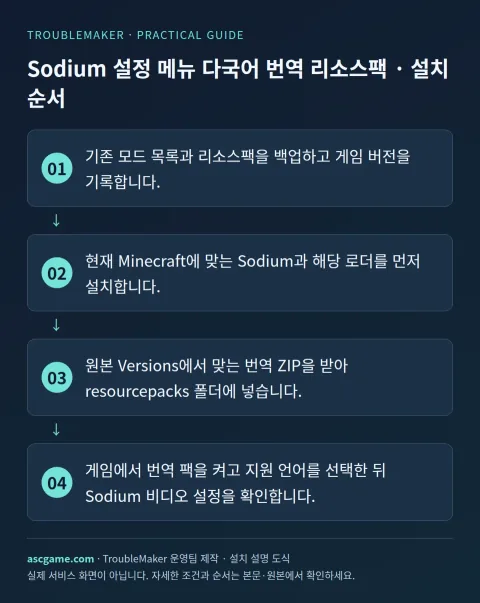
- Back up mods and resource packs and record your game version.
- Install Sodium and its compatible loader first.
- Download a matching translation ZIP under Versions and place it in resourcepacks.
- Enable the pack, select a supported language and inspect Sodium video settings.
Removal · recovery
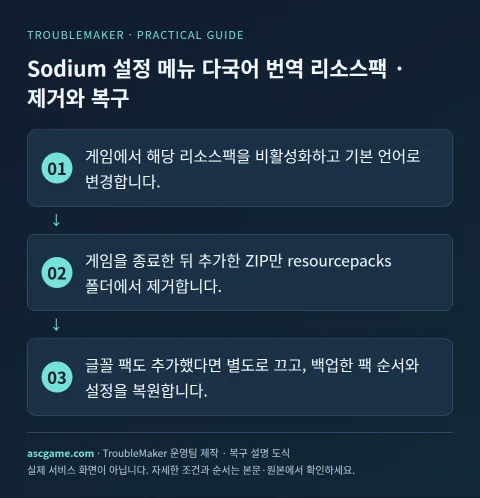
- Disable the resource pack and choose a built-in language.
- Close the game and remove only the added ZIP from resourcepacks.
- Disable any added font pack separately and restore your backed-up pack order and settings.