← Back to resources
Fallout 4Official updates

Fallout 4 official patch announcements

Read official Fallout 4 updates on Steam and recheck F4SE mod compatibility after runtime changes.
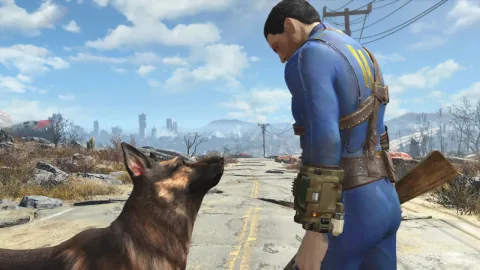
Fallout 4
Bethesda Game Studios / Bethesda Softworks · Fallout 4

Installation

  1. Close the game and back up saves and your current mod configuration.
  2. Read the original announcement for changes and supported platforms.
  3. Update the game through Steam Library and Downloads.
  4. Test with mods disabled, then enable only mods supporting the updated game.

Removal · recovery

  1. Disable mods and use Steam’s installed-file verification if needed.
  2. Test pre-update saves using copies. Automatic rollback to an older game build is not guaranteed.

COMMUNITY NOTICE

Unable to publish

Your content contains a prohibited word.

Please edit your content and try again.

Sign in

Sign in

Continue with Google
or email

Customer support

Tell us about an issue or ask a question. You can submit without signing in.

Your name, email, message and signed-in account details are stored to handle your enquiry, accessible only to administrators. Enquiries become eligible for automatic deletion 180 days after submission. Do not include passwords, card numbers or identity documents. Privacy notice

Optional analytics cookies help us understand site usage. Rejecting them does not affect login or browsing. Advertising choices are managed separately by Google.

Privacy policy