Diablo II: ResurrectedSkins · mods

Diablo II: Resurrected D2R Reimagined overhaul
An overhaul of items, crafting, skills and convenience features. This manual guide uses the GitHub 3.0.11 release, separately from Nexus 3.0.12.

Installation
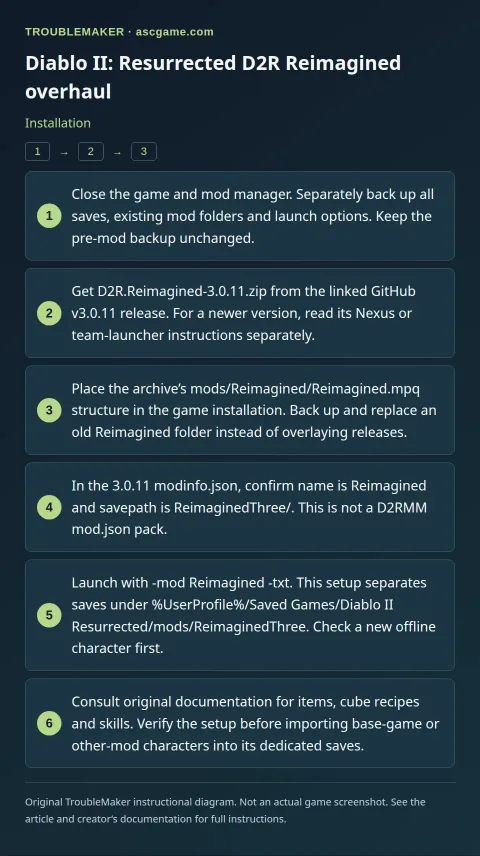
- Close the game and mod manager. Separately back up all saves, existing mod folders and launch options. Keep the pre-mod backup unchanged.
- Get
D2R.Reimagined-3.0.11.zipfrom the linked GitHubv3.0.11release. For a newer version, read its Nexus or team-launcher instructions separately. - Place the archive’s
mods/Reimagined/Reimagined.mpqstructure in the game installation. Back up and replace an oldReimaginedfolder instead of overlaying releases. - In the 3.0.11
modinfo.json, confirmnameisReimaginedandsavepathisReimaginedThree/. This is not a D2RMMmod.jsonpack. - Launch with
-mod Reimagined -txt. This setup separates saves under%UserProfile%/Saved Games/Diablo II Resurrected/mods/ReimaginedThree. Check a new offline character first. - Consult original documentation for items, cube recipes and skills. Verify the setup before importing base-game or other-mod characters into its dedicated saves.
Removal · recovery
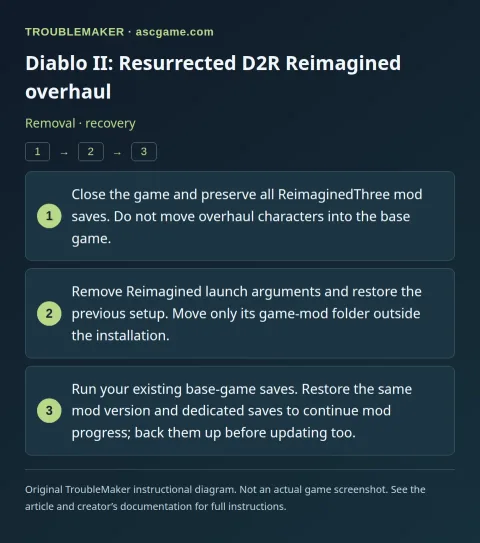
- Close the game and preserve all
ReimaginedThreemod saves. Do not move overhaul characters into the base game. - Remove
Reimaginedlaunch arguments and restore the previous setup. Move only its game-mod folder outside the installation. - Run your existing base-game saves. Restore the same mod version and dedicated saves to continue mod progress; back them up before updating too.