Diablo II: ResurrectedSkins · mods

Diablo II: Resurrected Expanded Stash mod
Expands the stash to a 16×13 grid using D2RMM. Move overflow items before removing the mod.

Installation
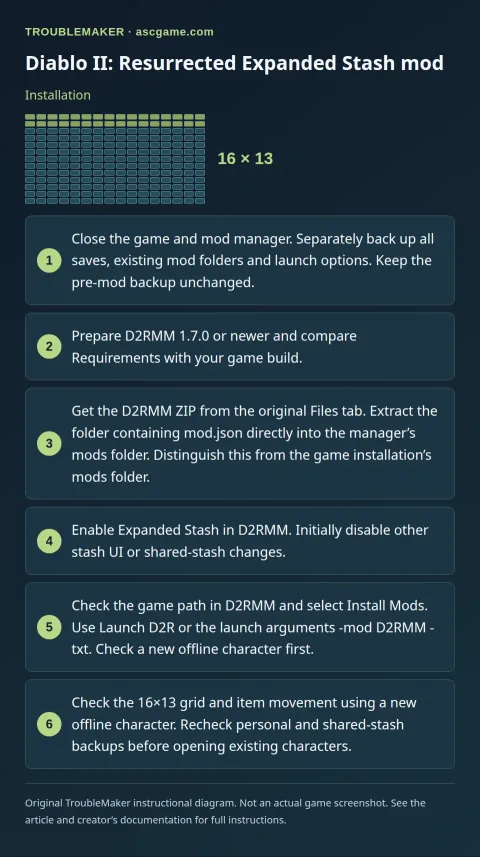
- Close the game and mod manager. Separately back up all saves, existing mod folders and launch options. Keep the pre-mod backup unchanged.
- Prepare D2RMM 1.7.0 or newer and compare Requirements with your game build.
- Get the D2RMM ZIP from the original Files tab. Extract the folder containing
mod.jsondirectly into the manager’smodsfolder. Distinguish this from the game installation’smodsfolder. - Enable
Expanded Stashin D2RMM. Initially disable other stash UI or shared-stash changes. - Check the game path in D2RMM and select
Install Mods. UseLaunch D2Ror the launch arguments-mod D2RMM -txt. Check a new offline character first. - Check the 16×13 grid and item movement using a new offline character. Recheck personal and shared-stash backups before opening existing characters.
Removal · recovery
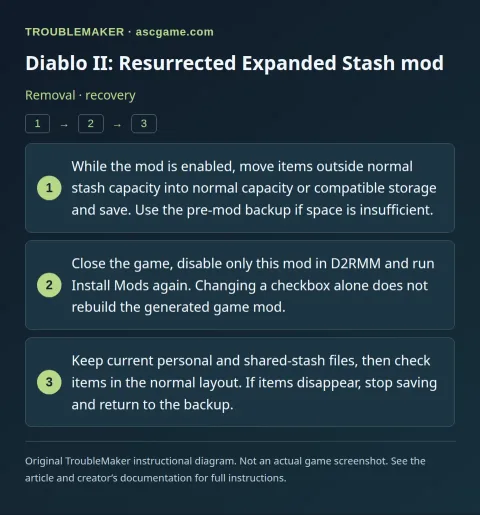
- While the mod is enabled, move items outside normal stash capacity into normal capacity or compatible storage and save. Use the pre-mod backup if space is insufficient.
- Close the game, disable only this mod in D2RMM and run
Install Modsagain. Changing a checkbox alone does not rebuild the generated game mod. - Keep current personal and shared-stash files, then check items in the normal layout. If items disappear, stop saving and return to the backup.