Diablo II: ResurrectedSkins · mods

Diablo II: Resurrected Bonesy equipment color dye
Use the Horadric Cube to dye weapons, armor, helms and shields. Default recipes use an item plus 3 Perfect Gems or Skulls; removal uses the item plus 3 Antidote Potions.

Installation
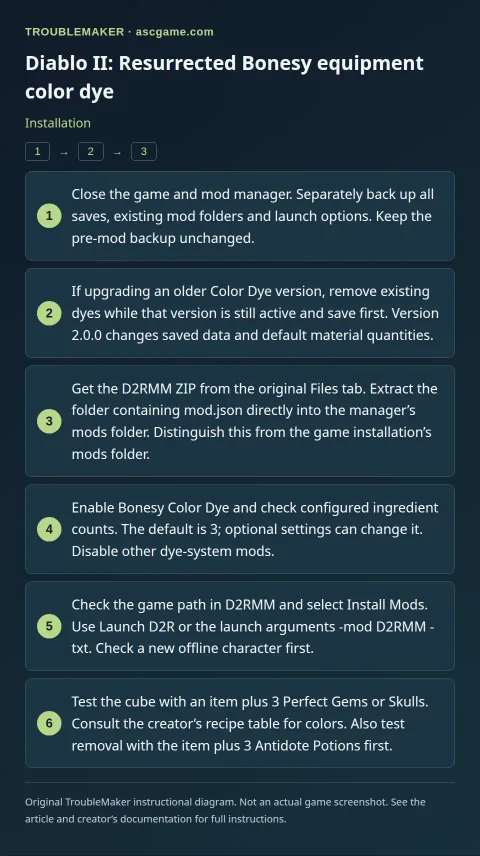
- Close the game and mod manager. Separately back up all saves, existing mod folders and launch options. Keep the pre-mod backup unchanged.
- If upgrading an older Color Dye version, remove existing dyes while that version is still active and save first. Version 2.0.0 changes saved data and default material quantities.
- Get the D2RMM ZIP from the original Files tab. Extract the folder containing
mod.jsondirectly into the manager’smodsfolder. Distinguish this from the game installation’smodsfolder. - Enable
Bonesy Color Dyeand check configured ingredient counts. The default is 3; optional settings can change it. Disable other dye-system mods. - Check the game path in D2RMM and select
Install Mods. UseLaunch D2Ror the launch arguments-mod D2RMM -txt. Check a new offline character first. - Test the cube with an item plus 3 Perfect Gems or Skulls. Consult the creator’s recipe table for colors. Also test removal with the item plus 3 Antidote Potions first.
Removal · recovery
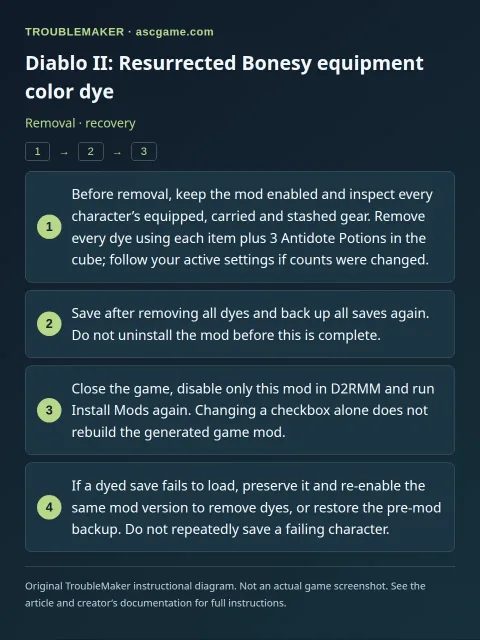
- Before removal, keep the mod enabled and inspect every character’s equipped, carried and stashed gear. Remove every dye using each item plus 3 Antidote Potions in the cube; follow your active settings if counts were changed.
- Save after removing all dyes and back up all saves again. Do not uninstall the mod before this is complete.
- Close the game, disable only this mod in D2RMM and run
Install Modsagain. Changing a checkbox alone does not rebuild the generated game mod. - If a dyed save fails to load, preserve it and re-enable the same mod version to remove dyes, or restore the pre-mod backup. Do not repeatedly save a failing character.